How do I test a login-protected app with a browser MCP?
Ascended Browser 0.1.5 can fill a saved login or reuse a signed-in browser profile. Use disposable test accounts: browser-tool redaction is not a security boundary against an agent with unrestricted shell or file access.
Set up the client and a disposable account
Connect Codex CLI or Claude Code using the QA quickstart. Choose an account with only the permissions needed for the test, and define which local actions the agent may perform.
Run the following yourself in a trusted terminal. Replace the example host and username with a disposable account; use the sign-in page's host, which may differ from the app host.
npx -y ascended-browser@0.1.5 login add accounts.example.com --name QA --username qa@example.com
npx -y ascended-browser@0.1.5 login list
login add prompts for the password rather than taking it as a command-line argument. --totp also prompts for a TOTP secret or URI. Do not paste passwords, TOTP secrets or session cookies into an agent conversation.
Copy this bounded authenticated QA prompt
Use Ascended Browser to open my test app's sign-in page.
Use browser_login with the saved account named QA; do not read the vault
or request credentials in chat. You may submit the test sign-in form.
Use the returned page state to verify whether authentication succeeded.
Then open the protected page I specify and test only its agreed local flow.
Use disposable data. Do not change source code, delete records, send
external messages, make purchases or change account security settings.
Inspect relevant console/network errors and capture useful screenshots.
Report visible evidence of signed-in state, the flow's actual result,
any access errors, and anything you could not verify.
Stop for manual sign-in if the saved login cannot complete the flow.
If a submission is interrupted, inspect state before considering a retry.
Fill first or explicitly submit the sign-in form
Open the sign-in page with browser_open. Replace TAB_ID with its returned tab ID and pass these arguments to browser_login:
{"tab_id":"TAB_ID","account_hint":"QA","submit":false}
submit defaults to false: filling is not proof of login. Set it to true only when the test authorizes submitting this form. After submission, use the resulting page snapshot and protected-page behavior to check success; do not infer it merely from filled fields.
If the site needs passkeys, SSO, an emailed code or another step the saved-login tool cannot complete, stop the automation and sign in manually on a machine with a usable display:
npx -y ascended-browser@0.1.5 signin https://example.com/login
The CLI opens a browser; finish sign-in and press Enter as directed. A remote headless SSH setup does not itself provide a visible window: see the SSH setup guide and arrange display access before attempting manual sign-in.
Close other sessions when sign-in must persist
Only one server process can own the saved browser profile. A concurrent process runs on a copy: it can inherit previously saved sign-ins, but new sign-ins in that copy do not persist after the session ends. Profile cloning can fail, so verify authentication rather than assuming it transferred.
Close running agent/browser sessions before manual signin when you need the login saved for later sessions. Cookies can expire or be revoked; a persisted profile does not guarantee access indefinitely. To test signed-out behavior, use an isolated test profile/data directory rather than assuming a new client session is clean.
Understand the vault and redaction limits
The vault is the unencrypted logins.db under ASCENDED_DATA_DIR (default ~/.local/share/ascended/browser). The implementation attempts owner-only file permissions; the same operating-system user, including an unrestricted coding-agent shell, can still read it.
Browser tools implement scrubbing of saved values and screenshot masking. Values shorter than four characters are not scrubbed, and transformed values may not match. This does not guarantee every sensitive account detail is hidden: review screenshots and logs before sharing them.
Restrict file access and require approval for shell commands where your client supports it. File rules alone do not contain an unrestricted shell. Avoid real customer accounts and production secrets; do not describe this vault as encrypted or inaccessible to the agent.
If an action result disappears, follow interrupted-action recovery. Login and test submissions are not exactly-once transactions.
Evidence from the local fixture
On October 6, 2026, a local fixture was tested with the published 0.1.5 package on Linux. This deliberately uses no real account or password:
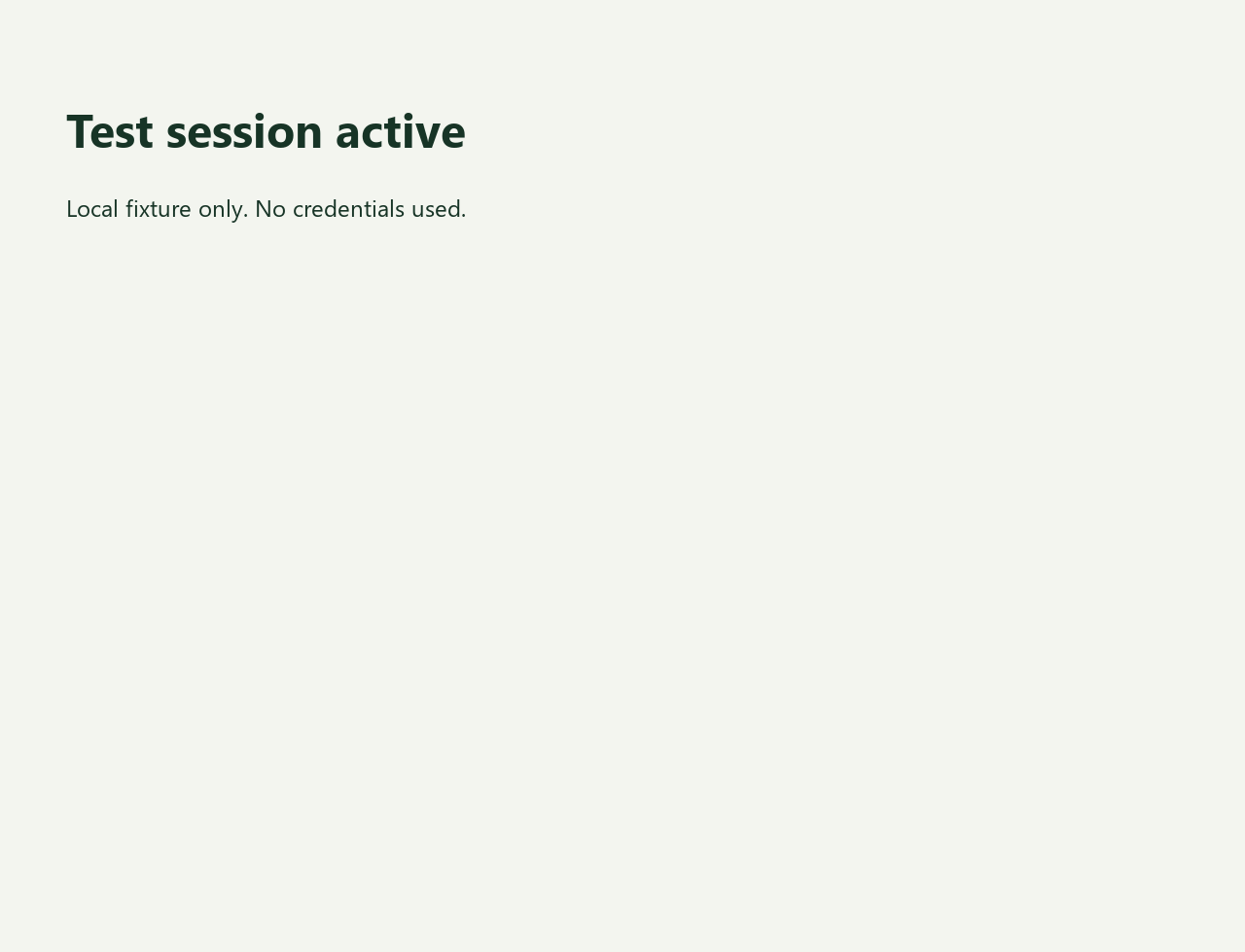
/protectedreturned a sign-in-required page before authentication./test-loginset an HTTP-only, one-hour test cookie and redirected to/protected.- The protected page showed Test session active.
- The MCP process closed cleanly, then a new MCP process used the same isolated
ASCENDED_DATA_DIR. - Opening
/protectedagain showed Test session active; the harness asserted that result.
This verifies cookie reuse across a clean restart in this fixture. It does not test the saved-password tool, password redaction, OAuth, MFA, expiry, concurrent profiles or crash recovery. Do not generalize it to every authentication provider.
Reproduce the session test
From the repository root, after the quickstart's virtual-environment setup:
.venv-qa/bin/python tests/qa_guides_demo.py
The test creates an isolated data directory so it does not use your personal saved logins. Treat that directory as session material even though it contains only a disposable fixture cookie. Read the fixture source.